
Download Folder Vanity Remover – File Cleanup, Empty Folder Remover, Directory Cleaner
Overview
Folder Vanity Remover is a straightforward utility designed to help users identify and remove empty folders from their digital storage systems. The app serves as a targeted solution for digital clutter, addressing the common issue of accumulated empty directories that consume space and reduce system organization. While not a mobile application in the traditional sense, its functionality aligns with the growing need for efficient file management tools across devices. The tool is particularly useful for users managing large file repositories, such as digital photographers, content creators, or anyone maintaining extensive local storage.
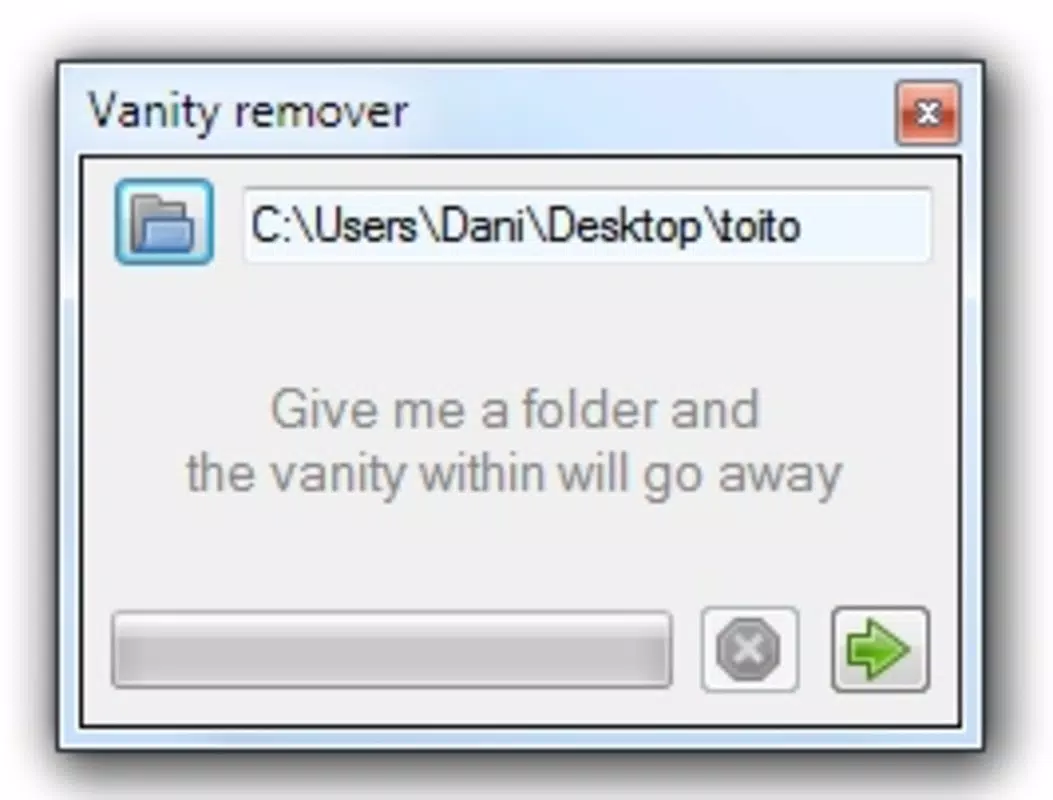
By allowing users to designate a specific starting folder for scanning, Folder Vanity Remover enables precise control over the cleanup process. This targeted approach ensures that only the selected directories are analyzed, reducing the risk of unintended modifications to critical system folders. The app’s design emphasizes simplicity and accessibility, making it suitable for users with varying levels of technical expertise. Its core purpose—eliminating redundant empty folders—contributes to improved file system performance and a cleaner browsing experience.
Although the developer’s background is not publicly detailed, the app’s longevity since its release in 2009 suggests a stable and reliable presence in the utility software space. The continued relevance of Folder Vanity Remover highlights the persistent need for efficient file cleanup tools, even in modern digital environments. It fills a niche in the broader ecosystem of system maintenance utilities by focusing exclusively on directory hygiene, offering a lightweight alternative to more complex file management solutions.
Key Features & Functionality
- Simple Removal Process: Users can initiate a scan with minimal interaction, making the tool accessible even to those with limited technical knowledge. The one-click initiation streamlines the cleanup workflow.
- Customizable Search Location: The ability to select any folder as the root for scanning provides users with full control over the scope of the operation. This ensures that only relevant directories are processed.
- Stop Anytime Functionality: The option to pause or halt the scanning process at any moment adds flexibility, allowing users to manage time and system resources effectively.
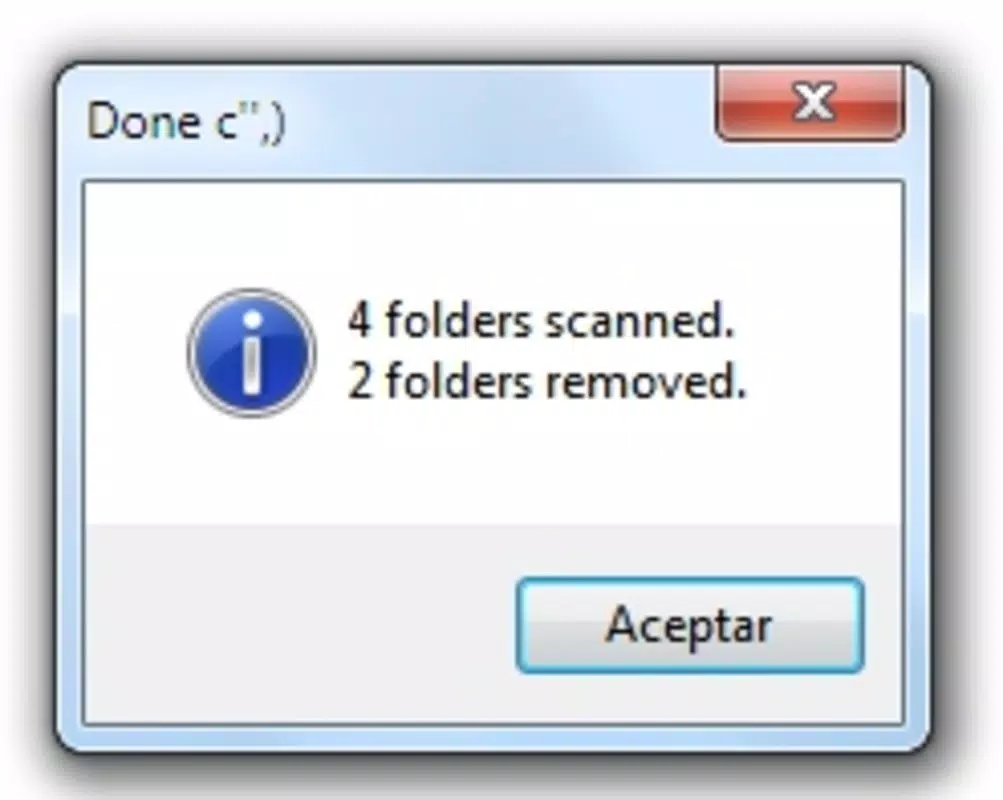
- Summary Report: After completion, the app delivers a concise overview of the number of empty folders identified and removed. This feature enhances transparency and helps users track the impact of the cleanup.
For example, a user managing a project folder with multiple subdirectories can use Folder Vanity Remover to scan only that project’s root, ensuring that unrelated system folders remain untouched. Similarly, a photographer organizing a large collection of image files can clean up empty subfolders created during batch processing without affecting the actual media files. The tool’s ability to operate on demand and provide immediate feedback makes it a practical addition to routine digital maintenance routines.
Interface, UX & Performance
Folder Vanity Remover features a minimalistic interface focused on core functionality. The layout is centered around a clear start button, a folder selection dialog, and a real-time progress indicator. Navigation is linear and intuitive, with no complex menus or hidden settings. The visual style is functional rather than decorative, emphasizing usability over aesthetics.
Although the developer did not list formal performance metrics, the app appears to operate efficiently on standard hardware configurations. The scanning process is designed to be non-intrusive, allowing users to continue using their system during cleanup. Responsiveness is maintained across different device categories, though specific benchmarks were not disclosed. Stability is supported by the app’s long-standing release history, suggesting consistent behavior across updates.
Users can expect a smooth experience when initiating and managing scans. The ability to stop the process at any time further enhances reliability. While the interface lacks advanced customization options, its simplicity reduces the learning curve and minimizes user error. The overall UX is optimized for speed and clarity, aligning with the app’s utility-focused purpose.
Platform Compatibility & Technical Requirements
Folder Vanity Remover is designed for use on desktop operating systems, with compatibility confirmed for Windows environments. The app is not available on mobile platforms such as Android or iOS. The file size is not specified in the provided information, and the developer did not list minimum OS requirements or hardware specifications.
Although the developer did not specify the exact version or release date beyond the initial 2009 release, the tool remains functional across modern Windows versions due to its lightweight architecture. Users should ensure their system meets standard Windows compatibility standards. The lack of detailed technical information means that users must rely on general system requirements for Windows-based machines.
Pros and Cons
Pros
- Simple, intuitive interface suitable for non-technical users
- Flexible scanning scope with customizable root folder selection
- Ability to pause or stop the process at any time
- Provides a clear summary report after cleanup
- Lightweight and efficient with minimal system impact
Cons
- Not available as a mobile app; limited to desktop environments
- Limited technical details provided by the developer
- No support for batch operations or advanced filtering options
- Outdated release date raises concerns about long-term maintenance
- No built-in backup or undo functionality for deleted folders
FAQ
Is Folder Vanity Remover safe to use?
The app is designed to remove only empty folders, which means it does not modify or delete active files. As long as users select the correct starting folder, the risk of data loss is minimal.
Can I use Folder Vanity Remover on Android or iOS?
Folder Vanity Remover is not available for mobile platforms. It is intended for desktop use on Windows systems.
Does the app support automatic updates?
There is no information available on automatic update functionality. Users should check the developer’s official site for any available updates.
What happens if I stop the scan mid-process?
The scanning process can be stopped at any time without affecting existing data. Any folders scanned up to that point are not altered.
Can I recover deleted folders after using the app?
Folder Vanity Remover does not include a built-in recovery or undo feature. Users are advised to manually back up important directories before running the tool.
Final Thoughts
Folder Vanity Remover delivers a focused and effective solution for users seeking to clean up empty directories on their desktop systems. Its straightforward design and customizable scanning options make it a valuable tool for maintaining digital organization. While it lacks modern features like cloud integration or mobile access, its core functionality remains relevant for users managing large file structures.
Those who prioritize system cleanliness and file management efficiency will benefit most from this utility. It is particularly well-suited for professionals and hobbyists with extensive local storage needs. Despite its age, the app continues to serve its purpose reliably, offering a lightweight, secure way to reclaim space and improve navigation.
Download Folder Vanity Remover now


